FOR VIRTUAL SUMMIT HOSTS WHO ARE TIRED OF STARTING FROM SCRATCH
Stop Writing Speaker Emails From Scratch.
25 done-for-you email templates for every stage of your virtual summit speaker relationship — organized by stage, automation-ready, and customizable in minutes.
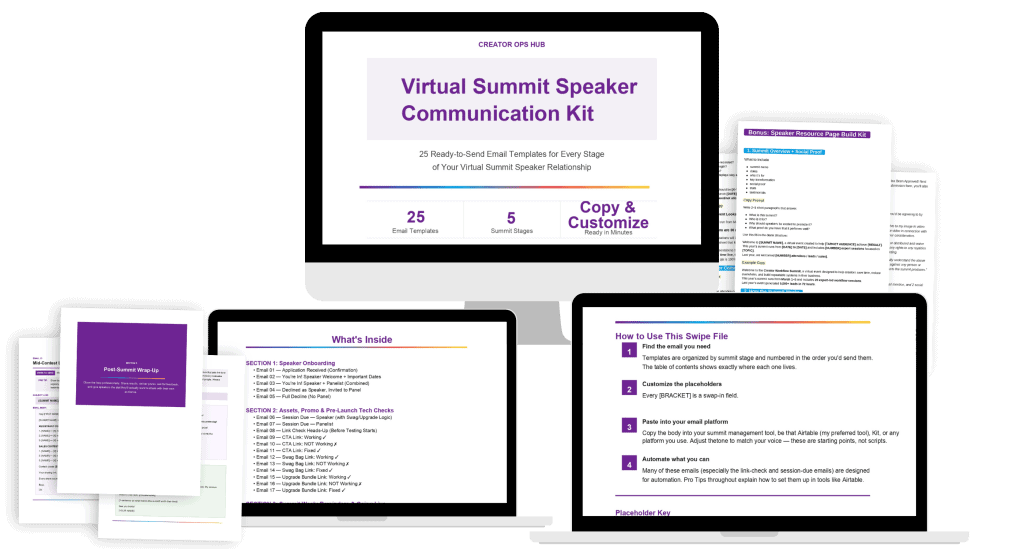
Running a virtual summit means communicating with a lot of people. And writing every speaker email from scratch, for every summit you run, eats time you don’t have.
The Virtual Summit Speaker Communication Kit gives you all 25 emails, fully written, from the moment someone applies all the way through final post-summit stats. Every template includes subject lines, purple-highlighted placeholders you can’t miss, and Pro Tips explaining exactly when and how to send it.
Copy, fill in the brackets, send. Or set it to automate and never think about it again.
Meet the Virtual Summit Speaker Communication Kit
The Done-For-You Speaker Email Library You’ve Been Building in Your Head
The Virtual Summit Speaker Communication Kit is a 25-template swipe file organized into five stages, Speaker Onboarding, Assets & Tech Checks, Summit Week, Promo Contest, and Post-Summit Wrap-Up, so you always have the right email at the right moment.
Every template is:
This isn’t theory. These are the actual emails from the speaker communication system Liz has used across multiple virtual summits, built from real workflows, real automations, and real lessons learned.
Get the Virtual Summit Speaker Communication Kit for $97
Here’s something most virtual summit hosts find out the hard way:
speaker communication is the thing that makes or breaks the whole operation.
Not the sessions. Not the tech. The emails.
When I started running virtual summits (back in 2018), I was writing every single speaker email from scratch. Application confirmations. Acceptance emails. Session deadline reminders. Link check notifications. “Your session is live today!” notes. Post-summit thank-you’s. All of them, individually, every time.
It took forever. And I still missed things. An asset reminder that went out too late. A speaker who never got their promo link. A broken CTA link I didn’t catch until it was too late to fix cleanly. A Swag Bag contribution that went dead right before the summit opened, and I had no system for catching it.
At some point I stopped reinventing the wheel and built a complete email library I could reuse across every summit. Then I started automating it.
This swipe file is that library, 25 templates organized by summit stage, with Pro Tips on every single email so you know not just what to send, but when and why. The link-check emails are built specifically for automation. The session live emails include speaker swipe copy so your speakers actually promote. The decline emails keep relationships intact.
You don’t need to write a single speaker email from scratch ever again.
Are You Ready To Wave Goodbye To…
Good. Because it doesn’t have to be this hard.
The problem isn’t you. The problem is starting from a blank screen every single time. That ends here.
Find → Fill → Send
How it Works
Simple setup. Easy Implementation.
Here’s What You Do With This:
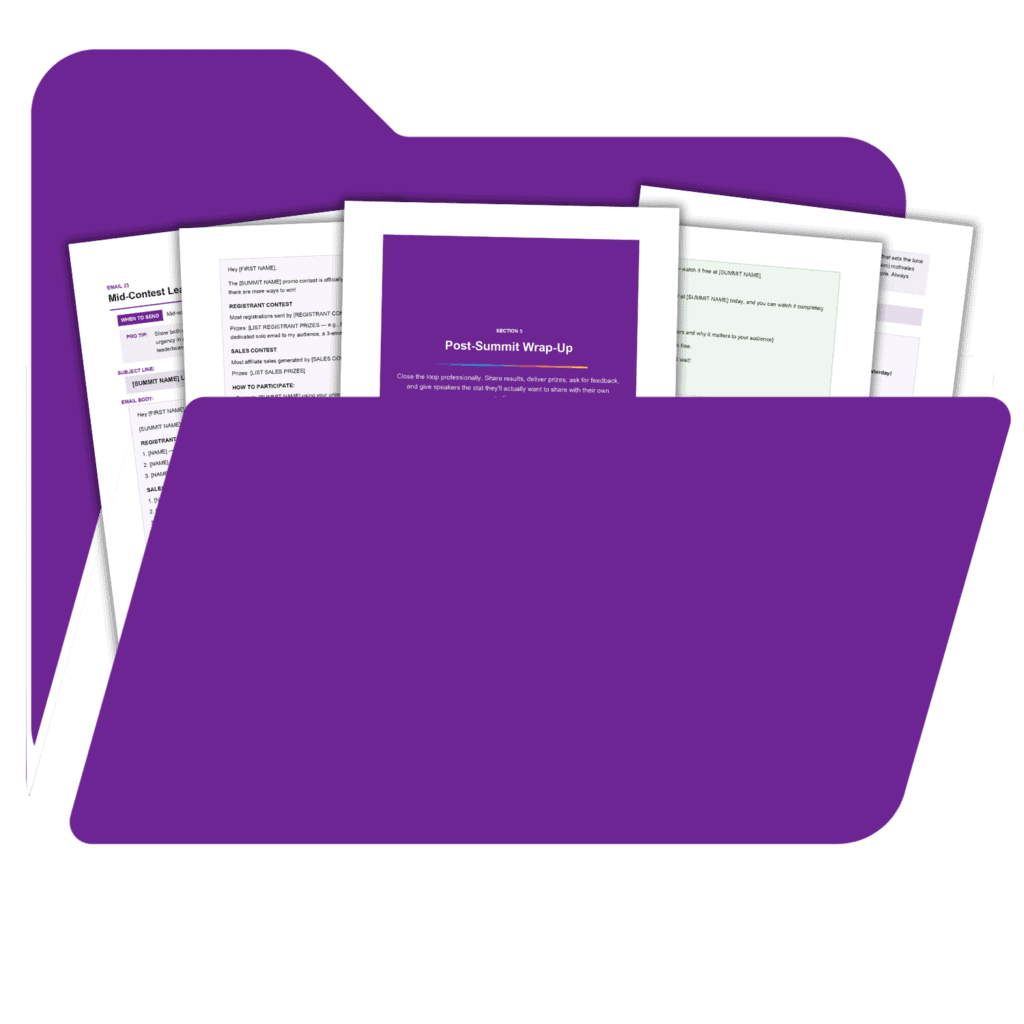
Open the swipe file and find the email you need.
Everything is organized into five stages — Onboarding, Assets/Promo/Tech Checks, Summit Week, Promo Contest, and Post-Summit Wrap-Up, so you always know exactly where to look. Every email is numbered in send order.
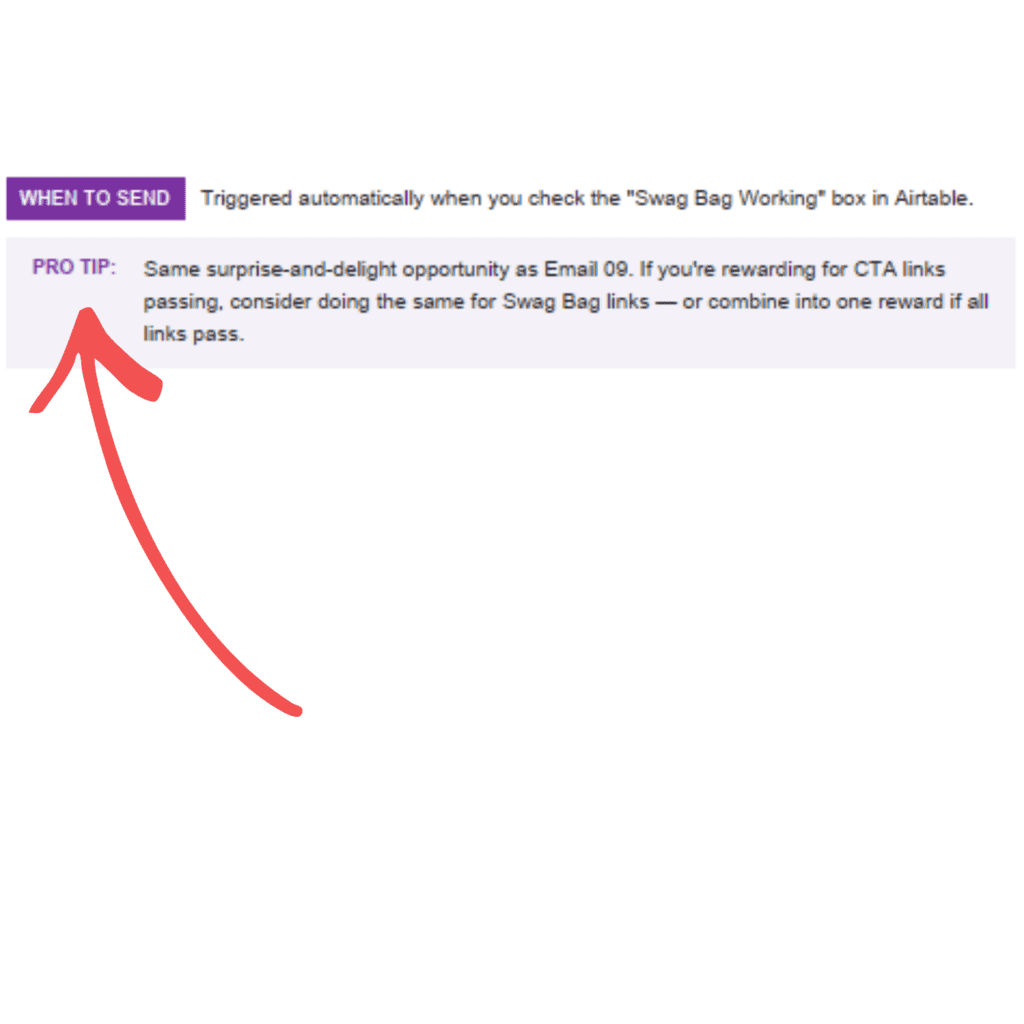
Read the Pro Tip before you send.
Each template includes a “When to Send” note and a Pro Tip that explains the strategy behind the email, so you understand not just what to send, but how to use it most effectively.
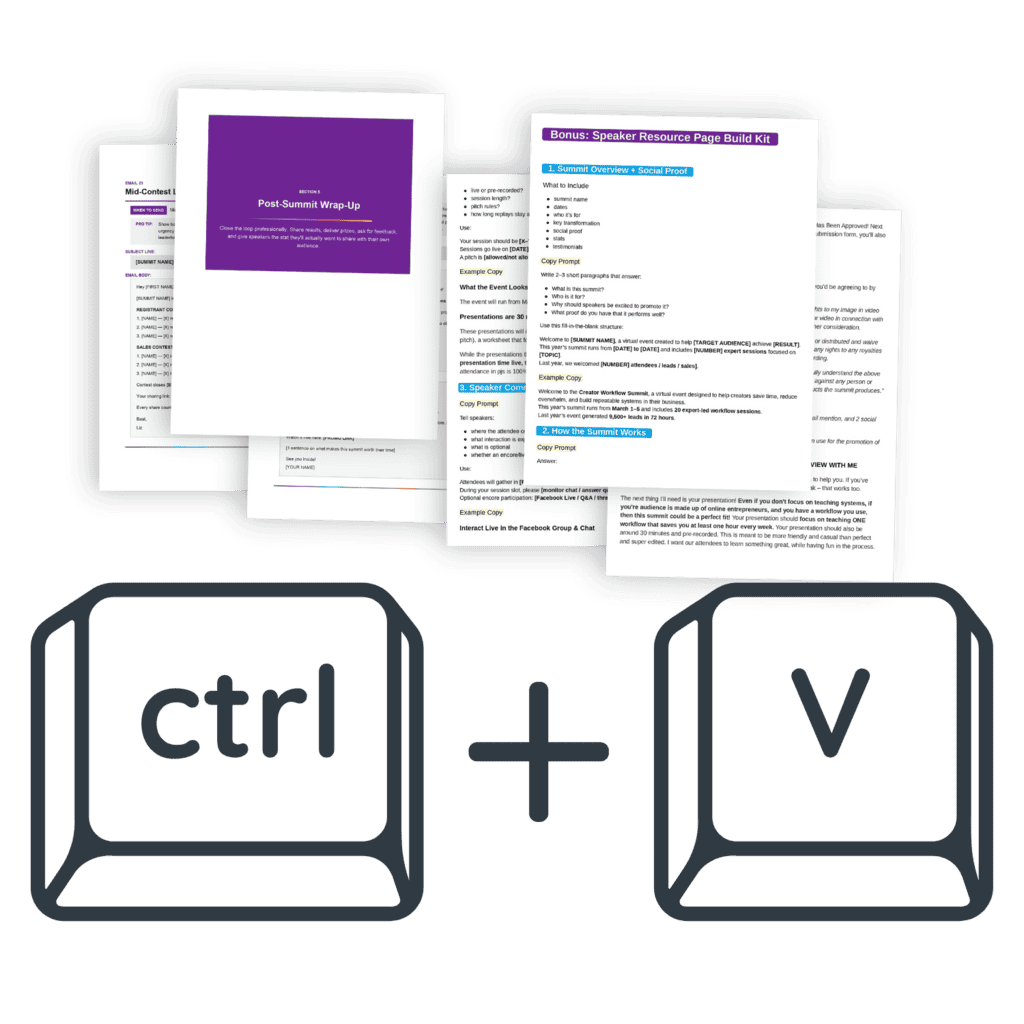
Copy the template into your email tool
Paste it into Airtable, ConvertKit, ActiveCampaign, Gmail, or wherever you send from. The bracket placeholders are impossible to miss, just swap in your summit name, speaker name, dates, and links.

Send, or set it to send automatically.
Many of these templates (especially all nine link-check emails) are built specifically for automation. Once they’re loaded into your system, your speaker communication runs itself.
Everything You Unlock Inside the Virtual Summit Speaker Communication Kit
Whats Inside the Virtual Summit Speaker Communication Kit
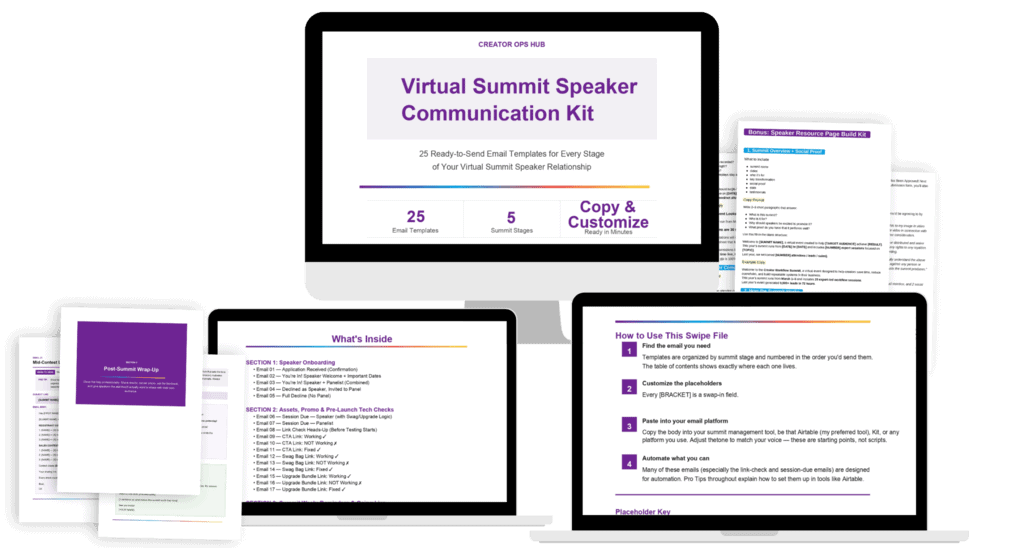
Confidently manage speaker communication from application to post-summit wrap-up.
You’ll get 25 done-for-you email templates + 1 bonus template, organized by stage so you always know exactly what to send, when to send it, and how to keep speakers informed without rewriting emails from scratch.
Total Value: $400+
🎉 Yours today for just $97

+ We want you to love it
If you open the swipe file and don’t think it was worth it, email me within 7 days and I’ll refund you. No hoops.
I’m confident you’ll use at least five of these templates before your next summit even opens. But if somehow this isn’t what you needed, you shouldn’t have to pay for it.
Have questions before you buy? You can always reach out at creatoropshub.com/support, I’m happy to help.

Hey…. I’m Liz 👋
I’ve been running virtual summits for years, and managing speaker communication is the part that either runs smoothly or falls completely apart. I built these templates out of necessity: I got tired of writing the same emails over and over, watching assets arrive late, and scrambling during summit week because something didn’t get communicated clearly.
These are the actual emails I use, organized by stage, loaded with automation tips, and formatted so you can customize them in minutes. I run Creator Ops Hub, where I build systems and templates for creators who’d rather be creating than managing logistics.
👀 Who This Is For…..
This is perfect for you if:
This Probably isn’t for you if:
What Happens When You Get Speaker Communication Right
Here is what my speakers have had to say about the amount of communication I send:
When you grab the Virtual Summit Speaker Communication Kit, you’ll instantly unlock:
Immediate PDF download, start using it for your next summit today
Total Value: $400+
🎉 Yours for just $97
Still got questions?
Well we’ve got Answers!
What format does this come in?
PDF. You’ll get a download link immediately after purchase. No login required, no account to create.
an I use these in my email platform?
Yes. The templates are plain text with [bracket] placeholders. Copy them into ConvertKit, ActiveCampaign, Mailchimp, Gmail — whatever you use.
How many emails are included?
25 total, across five stages: Speaker Onboarding (5 emails), Assets/Promo/Tech Checks (12 emails, including nine automation-ready link-check emails), Summit Week (3 emails), Promo Contest (3 emails), and Post-Summit Wrap-Up (2 emails). Plus a bonus Speaker Info Page breakdown.
What if I don’t run speaker promo contests?
You’ll still use 22 of the 25 templates. The contest section is completely optional and clearly labeled — just skip it if you’re not running a competition.
What if I don’t use a Swag Bag or Upgrade Bundle?
The link-check emails are organized by link type (CTA, Swag Bag, Upgrade Bundle) so you only use the ones that apply to your summit setup. Hosts without a Swag Bag or Upgrade Bundle will still use the CTA link-check set and the core onboarding, summit week, and wrap-up templates.
� Is there a refund policy?
Yes — there’s a 7-day money-back guarantee. If you’re not happy with your purchase, simply reach out at creatoropshub.com/support
Is this a one-time purchase or a subscription?
One-time purchase. Buy it once, use it for every summit you run.
Can I customize the templates?
That’s the point. Every template is designed to be personalized. Swap in your summit name, dates, speaker names, and links. Adjust the tone to sound like you. The bracket placeholders make it impossible to accidentally leave a blank unfilled.
Imagine…
opening your summit week knowing every speaker’s links have been tested and confirmed, every asset is already in your system, and every “your session is live today” email is scheduled — with speaker swipe copy included — and ready to send on autopilot
That’s what a clean speaker communication system looks like. And it starts with having the right emails already written.
Liz explains it in a way that you can understand as a newbie as well. I am relieved to have that legal side taken care of and I don’t have to worry about it any more and can focus on creating awesome content.
–Carina, Mindful Trace
Testimonials Disclaimer:
TESTIMONIALS AND CASE STUDIES ABOUT OTHER’S EXPERIENCE WITH MY WEBSITE, PRODUCTS AND SERVICES ARE FROM ACTUAL CUSTOMERS AND CLIENTS AND ARE SHOWN AS EXAMPLES OF WHAT IS POSSIBLE.
THERE ARE SEVERAL FACTORS THAT DETERMINE A CLIENT/CUSTOMER/STUDENT’S SUCCESS SUCH AS HARD WORK AND TIME, AS SUCH I CAN IN NO WAY GUARANTEE THAT CURRENT OR FUTURE CUSTOMERS/CLIENTS/STUDENTS WILL ACHIEVE THE SAME OR SIMILAR RESULTS AS PREVIOUS CLIENTS/CUSTOMERS/STUDENTS, AGAIN THE EXAMPLES, CASE STUDIES, AND TESTIMONIALS ARE SIMPLY ILLUSTRATIVE OF WHAT IS POSSIBLE.